Introduction
Installation
Install via the library manager
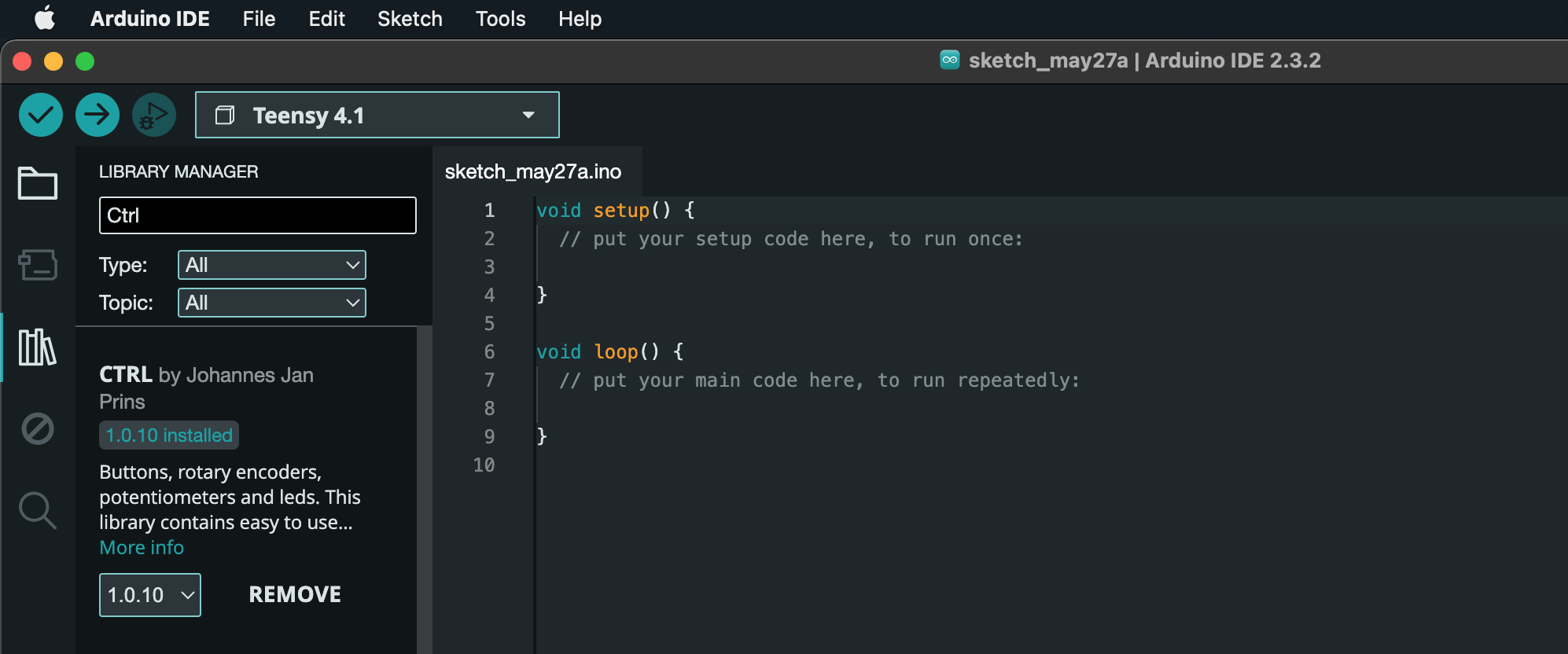
Open the Arduino IDE Library manager, search for "CTRL" and hit "INSTALL".
Manual installation
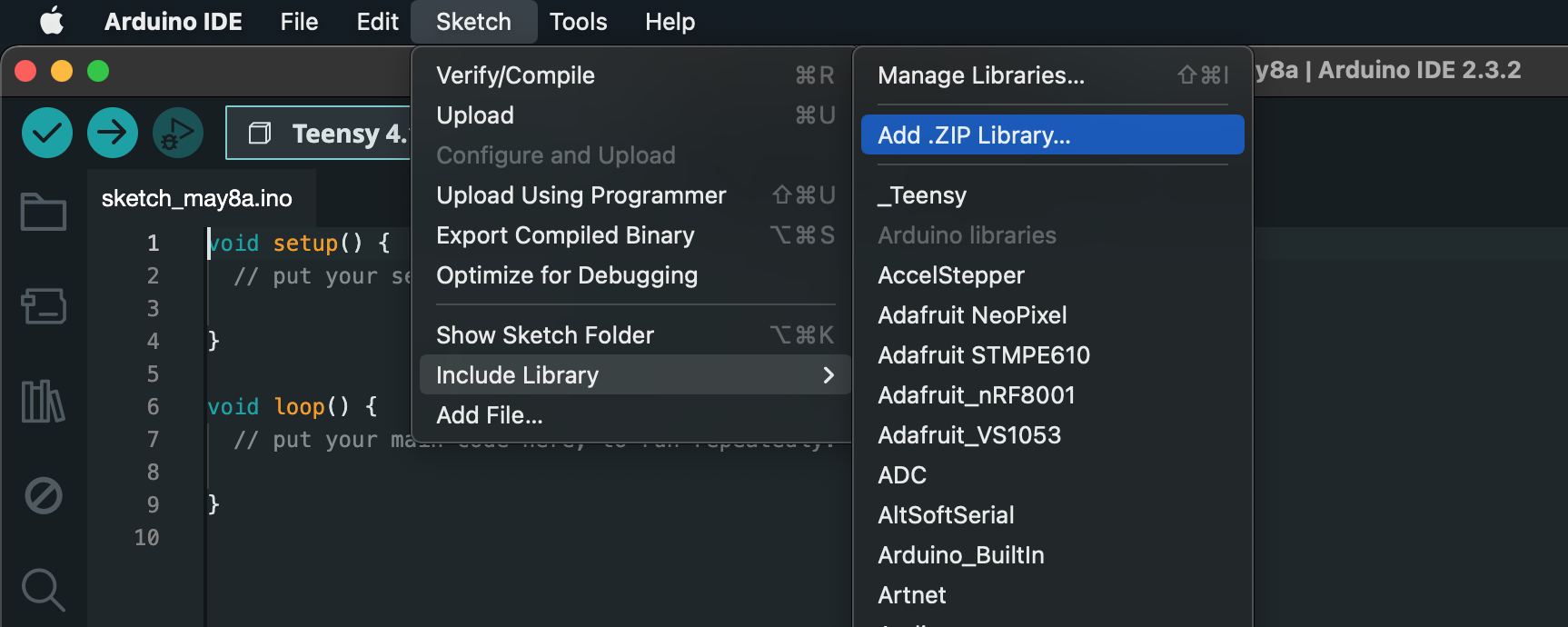
If you prefer a manual installation instead, go to https://github.com/bonkmachines/ctrl-arduino/releases and download the latest release. Next open your Arduino IDE, click on "Sketch" in the top menu, next select "Include Library" and then "Add .ZIP LIbrary". Browse to where you saved the downloaded file and import it.